
Methspin Casino Login
Get instant access to your account in just two minutes with flexible login options and 24/7 support.
Games at Methspin Casino






Game Library




You can access your Methspin Casino account in under two minutes. Use an email and password, a phone number with SMS code, or a social login. If you encounter issues, the solutions below address wrong passwords, missing email codes, locked accounts, and VPN problems. English-speaking support is available 24/7.
How to Log In to Methspin Casino
Log in using the same method you chose when you registered. Here is how each of the three options works:
| Method | What you enter |
|---|---|
| E-mail + password | Registered e-mail address and your password |
| Phone number + SMS code | Registered phone number, then the code sent by SMS |
| Social login | Your linked social account |
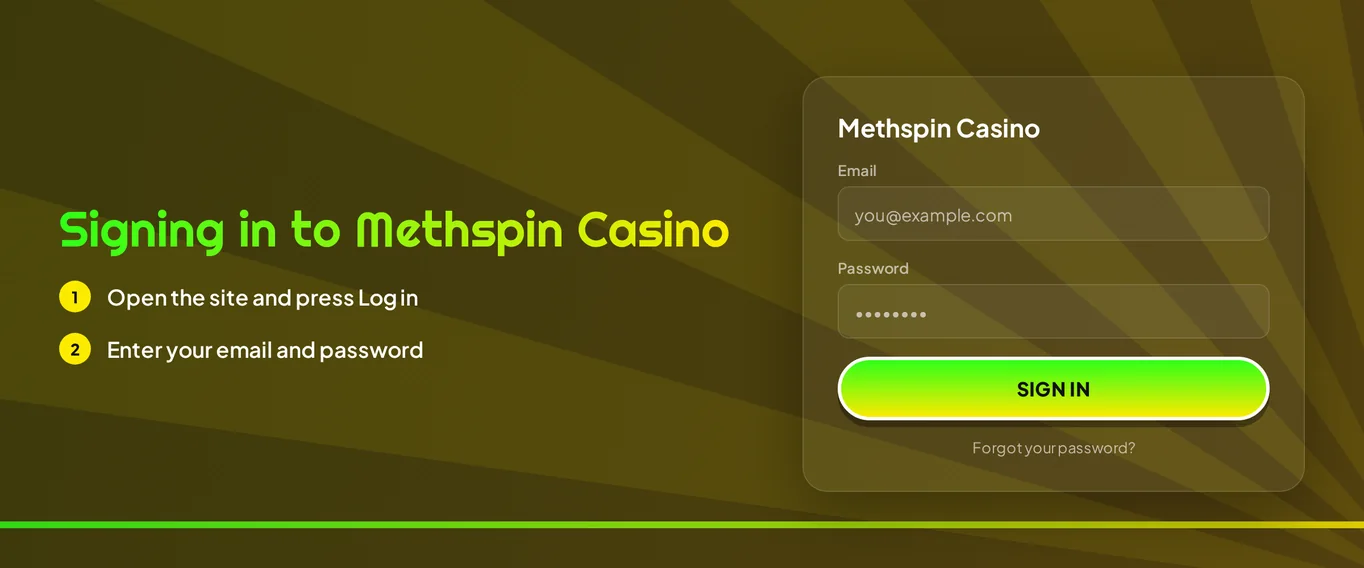
- Visit the Methspin Casino website on your phone or computer browser and click Log In.
- Choose your preferred login method.
- Type in your details, or enter the SMS code if you use phone verification.
- Finish the email verification step if prompted by the site.
- View your balance, displayed in your chosen account currency (AUD, USD, EUR, or NZD).
Login Problems and Fixes
Methspin Casino does not have standard two-factor authentication. Instead, access depends on your password and email confirmation. The most frequent issue is an email confirmation that doesn't arrive.
Follow these steps in sequence if the email is missing:
- Look in your spam and junk mail folders.
- Make sure the email address is the one linked to your account.
- Request a single new verification email and wait before trying again.
- Contact live chat if you still receive nothing. Support will review your account and send the verification again.
Problem, Likely Cause and Quick Fix
| Problem | Likely Cause | Quick Fix |
|---|---|---|
| Wrong password message | Typing error, caps lock, or an old password | Retype carefully, then reset the password |
| E-mail code not arriving | Spam filter or mistyped address | Check junk folder, request one new e-mail |
| SMS code not arriving | Poor signal or wrong number format | Check the number, request a new code |
| Account locked | Repeated failed attempts or a restriction on the account | Contact live chat |
| Verification pending | Support has asked for further checks | Complete the checks support names |
| VPN or proxy active | Connection routed through a VPN | Switch it off and reload the site |
| Page loops or won't load | Old cache or cookies | Clear cache and cookies |
| Account not found | Different sign-in method used at registration | Try e-mail, phone or social login in turn |
How to Clear Browser Cache and Cookies
Outdated cookies can cause login page errors. Clearing your browser often resolves loops or stuck buttons.
- In Chrome, go to Settings, then Privacy and security, then Delete browsing data.
- Check the boxes for Cookies and Cached images and files.
- Pick a time range and click Delete data.
- For iPhone Safari, open Settings, select Safari, then choose Clear History and Website Data.
- Shut your browser, open it again and sign back in.
How to Reset Your Password
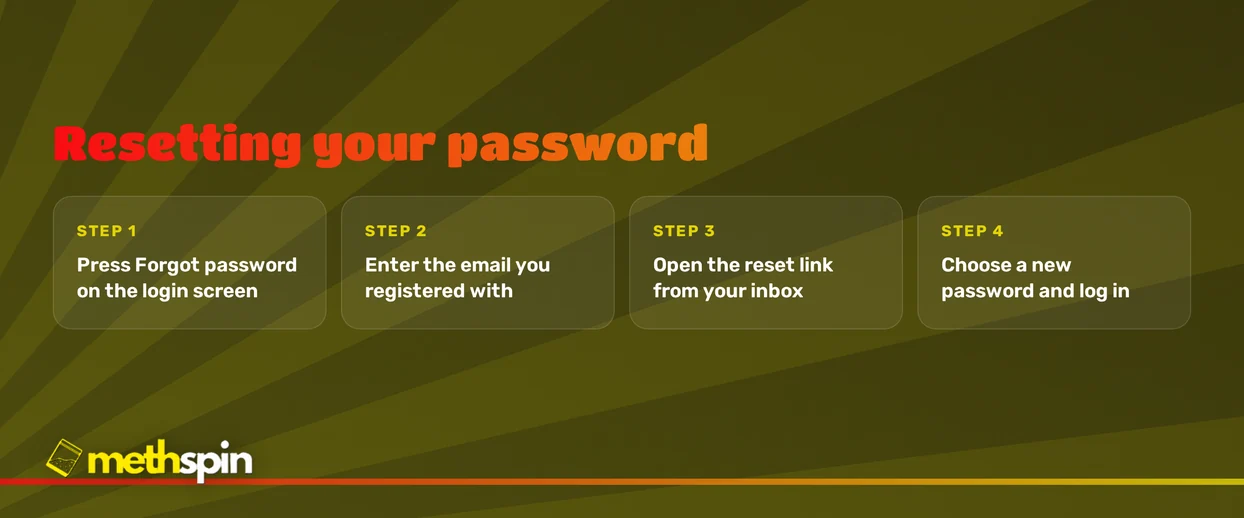
You start the reset, then Methspin Casino sends a link or code to your registered contact. Phone-number accounts get an SMS code, not a password.
- Choose Log In, then pick the forgotten password option.
- Type in the email address linked to your account.
- Open the email from Methspin Casino and click the reset link.
- Create a fresh password and sign in using it.
- If the message isn't there, look in spam. Next, ask live chat to send it again.
When picking a new password, adopt these practices:
- Pick a password you haven't used elsewhere.
- Combine uppercase and lowercase letters, numbers, and symbols.
- Avoid saving it in browser auto-fill on shared computers.
Account Locked or Suspended
A locked account stays shut until you fix the issue. These three reasons are most frequent:
- Self-exclusion: you picked a break of 24 hours, 7 days, 1, 3 or 6 months, so login is blocked for that time.
- Pending verification: support requested extra checks you haven't finished.
- VPN use: signing in via a VPN breaks the terms of use.
If you find yourself locked out, take these actions:
- Contact live chat or send an email and provide your account email.
- Support will inform you why the account is locked.
- Follow all instructions from the support team, including identity checks.
- Access returns after you fix the problem they point out.
For extra help after a chosen self-exclusion, call Gambling Help Online free on 1800 858 858 or visit gamblinghelponline.org.au.
KYC Verification
Methspin Casino's sign-up verification involves confirming your email and stating your date of birth. Your login might be paused if support requests additional checks beyond these.
- Reach out via live chat or email to learn which documents are missing.
- Provide the requested items through the method they specify.
- The support team examines what you send.
- Support removes the pause once verification is finished. Until that happens, your login remains restricted.
VPN Policy
Using a VPN violates the Methspin Casino terms of use. It can also cause a lock or a failed login, even with the correct password.
- Turn off any VPN or proxy on your device and router.
- Shut your browser fully and launch it again.
- Sign in using your regular internet connection.
- If the account remains locked with the VPN off, ask live chat to check.
Logging In via Mobile App
No Methspin Casino app exists on iOS or Android stores. Play via the mobile site, which acts as a web app.
| Feature | Status |
|---|---|
| iOS app | No - web app in the browser |
| Android app | No - web app in the browser |
| Biometric login | No |
| Push notifications | No |
- Load the Methspin Casino website in your phone's Safari or Chrome.
- Click Log In and type your details, since face or fingerprint login is not available.
- Try the same cache-clearing tips from earlier if the screen gets stuck.
Contact Support
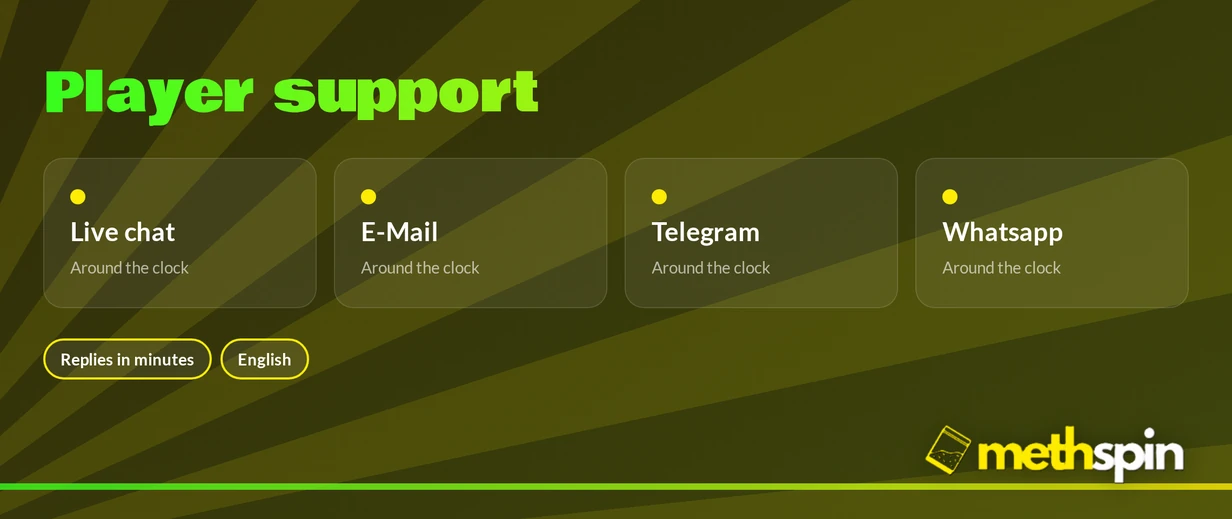
English support is available 24/7. For a lockout or a missing code, the fastest response comes through live chat.
| Channel | Best for |
|---|---|
| Live chat | Locked accounts, missing codes, verification questions |
| Longer cases where you send details | |
| Telegram | Quick messages |
| Quick messages |
Keep your registered email handy when you contact support. This helps them locate your account more quickly.
FAQ
Methspin Casino is for players aged 18 or older. Keep gambling as entertainment. Set affordable limits and take a break whenever you feel it's needed.